
Early access · Release date: May 20, 2026
UpdatedDeep Rock Galactic Rogue Core Mods: What to Install
Explore Deep Rock Galactic Rogue Core mods for clearer HUDs, platform previews, workbench options, and tougher runs, plus dependencies and co-op behavior.
Jump to
Which Rogue Core Mods Can You Install?
A clearer HUD can make a hectic cave fight easier to read, while extra bosses can turn an elevator departure into a disaster. Deep Rock Galactic Rogue Core mods cover interface improvements, expanded workbench choices, resource adjustments, and additional combat challenges. Choose around the change you actually want, then match the mod’s dependencies, game build, and multiplayer requirements.
The distinction matters in a roguelite built around collecting upgrades during each mission. Displaying weapon heat changes how you read a fight; expanding upgrade choices changes how you assemble your build. Adding ammunition or replacing resource stations goes further by changing the resources available during a run.
Official page: Deep Rock Galactic Rogue Core (store.steampowered.com)
HUD, Visibility, and Placement Mods
Several interface mods put useful information closer to where you’re already looking.
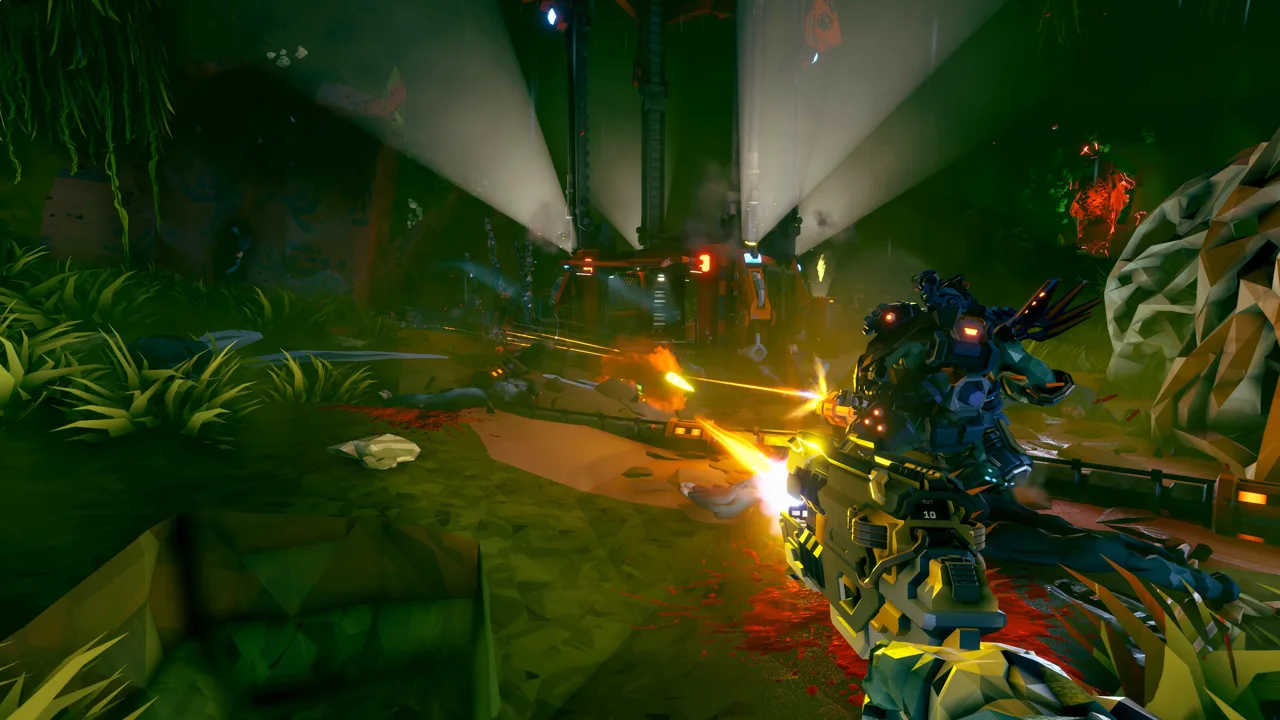 Image: Steam / Ghost Ship Games
| Mod | What it adds |
|---|---|
| Heat Crosshair | Weapon and tool heat displayed as a ring around the crosshair |
| Platform Placement Preview | A platform placement preview using the turret placement preview’s design |
| Events Progress HUD | Event instructions and indicators that guide completion |
| Boss Guide HUD | Riftgate/Shard positions and guidance during boss fights |
| Player Nameplates | Names, health bars, and shield bars above players, with class colors |
Heat Crosshair requires RC Mod Hub. Its ring supports adjustments to size, thickness, opacity, position, and color threshold. Adjust those controls to keep the heat indicator readable without covering your target.
Platform Placement Preview adds information before you commit a platform shot. Events Progress HUD and Boss Guide HUD focus on objective information instead, while Player Nameplates displays teammate status above each dwarf.
Teleporter Tweaks adds several conveniences, including graying out unlinked teleporters and automatically renaming teleporters. Rogue Core’s XQ-2 Quantum Warp Field uses paired generators, so identifying an unlinked teleporter has a direct connection to how the traversal tool works.
For a quieter break between missions, Mute Lobby Music silences the lobby/Ramrod music.
Workbench Choices, Health, and Supplies
These mods change decisions or resources during a mission. Check exactly what each one adjusts before combining several that affect the same system.
 Image: Steam / Ghost Ship Games
Workbench Full Control
Workbench Full Control expands the upgrade selection beyond two options, allows equipment upgrades, and offers three new-item choices instead of one. It operates client-side.
Those additional choices change the restrictions you’re building around. Use it when you want access to a wider selection at the workbench, rather than relying on the standard smaller offering.
Four Weapon Choices at the Workbench
Four Weapon Choices at the Workbench provides variants for four weapon options, mixed items, or RCMM-configurable counts. The configurable version supports counts from 0–16 each, up to 64 total.
Pay attention to the variant:
- Configurable version 2.0.5 fixes a loading hang on experimental build 25963232.
- Fixed variants target older builds.
Match the variant to your game build instead of choosing solely by the mod’s name. The expanded selection concerns the choices presented at the workbench; it doesn’t mean you collect every weapon shown.
Refractor All Health
Refractor All Health adds a button that spends all your Quartz on health in one action.
Flux Quartz also pays for rerolling Expenite upgrades and Artifacts. Keep Quartz available for rerolls if you still want to reshape your build before committing the whole supply to healing.
Flare and Supply Changes
Flare Boost - Double Flares and Faster Recharge doubles hand-flare capacity and makes each flare recharge twice as fast. It applies only to your character and requires no settings.
Munitions Crate replaces Armor Stash (Host Only) changes every Armor Stash into a Munitions Crate. That replacement changes which supplies you encounter, so account for the loss of those armor stations when choosing it.
Ammo Control (up to 10x ammo) offers another resource adjustment, with an ammunition increase reaching the amount stated in its name.
Extra Events, Enemy Variety, and Boss Challenges
Rogue Core also has mods that change what you encounter during a stage.
 Image: Steam / Ghost Ship Games
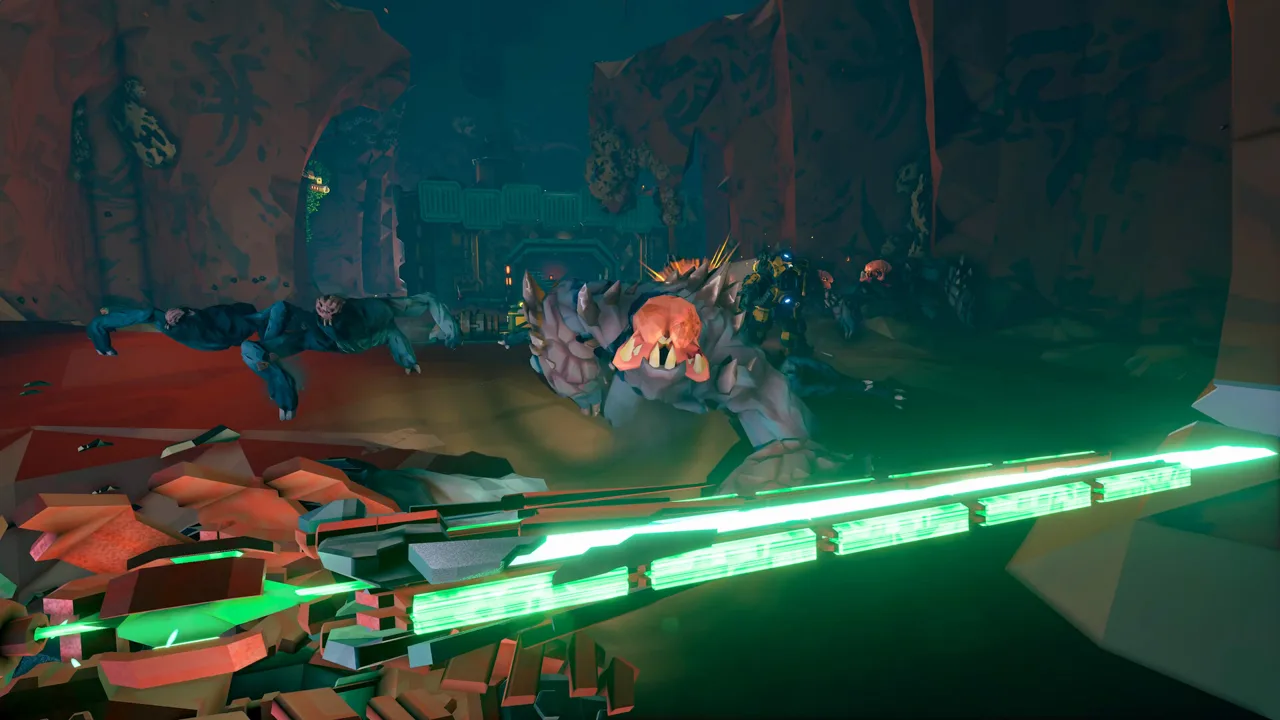
- Increased Enemy Diversity: Allows more enemy types to spawn per stage.
- 2 events per floor: Spawns two random events on a floor instead of one.
- Boss on elevator: Spawns a random boss whenever the elevator has started.
- Triple bosses: Puts three bosses into the same fight.
Choose additional events with the stage timer in mind. A second event adds another activity to fit into the floor; it doesn’t remove the pressure to reach the elevator.
Boss on elevator changes the departure sequence itself. Start the elevator prepared for a boss encounter rather than treating activation as the end of the floor’s major fighting.
For extra variety without those specific encounter changes, Rogue Core already includes Alterations such as Instability, which rolls a new Alteration for each stage.
Dependencies and Co-op Behavior
Client-side describes an installation requirement, not a guarantee that nobody else notices the effect. Mushroom Launcher - Voice Board runs client-side, yet teammates can hear its voice playback without installing it themselves.
The multiplayer requirements differ across individual mods:
- PingToText runs on the host and requires RC Mod Hub. It posts ping targets in chat with the player’s name and supports configurable message formatting and per-player cooldowns.
- Heat Crosshair requires RC Mod Hub.
- Workbench Full Control operates client-side.
- Munitions Crate replaces Armor Stash (Host Only) requires the host.
- Flare Boost - Double Flares and Faster Recharge applies only to your character.
For PingToText, adjust the per-player cooldown to control how frequently pings produce chat messages. The base game already supports laser-pointer communication; this mod adds a written record of the target and the player who marked it.
Coordinate resource replacements and encounter changes with your squad before the mission. Replacing Armor Stashes or introducing elevator bosses changes the run everyone is joining.
Features Already Built Into the Game
Check the current game’s options before adding a mod to solve a problem that an update has already addressed. Several substantial conveniences are part of Rogue Core itself:
- Update 2 added five Threat Levels. They adjust enemy numbers, swarm frequency, enemy health and movement, aggression, and damage.
- Update 3 moved the Flare Gun into a box at every facility entrance. It occupies an additional slot alongside your traversal tool.
- Update 3 introduced Flux Quartz and the Refractor Terminal. Quartz can reroll Expenite upgrades and Artifacts or convert into a small health boost.
- Update 3 pauses the stage timer until the first Reclaimer leaves the elevator. Use that window for rerolls.
- The November 11 patch added Save & Quit for solo runs. Resume Mission continues the run, while Claim And Abort ends it and collects its rewards.
Update 3 also made enemy Expenite drops a base feature and reworked Intel Clearance. Build your mod selection around those newer systems rather than older advice about resource collection or progression.
Single-Player Gameplay Assists
Wand offers a separate companion app with 46 gameplay assists, including God Mode, Edit Armor, and Unlimited Flare Throws. Its controls are available through in-app switches or the Alt+W overlay.
These are single-player tools. Keep them to solo sessions rather than carrying that expectation into co-op.
To use the app, launch Rogue Core through its library, open the overlay with Alt+W, and toggle the desired assist. Wand operates in system memory rather than permanently editing the game installation. Back up your save data before using third-party gameplay tools.
Continue exploring
Deep Rock Galactic Rogue Core Solo: Tips for Better Runs
Deep Rock Galactic Rogue Core solo guide covering Cooper commands, Assault Pace, builds, upgrades, and Save & Quit. Make your next descent more manageable.
Deep Rock Galactic Rogue Core Crossplay: Can You Play?
Deep Rock Galactic Rogue Core crossplay explained: explore Steam co-op, console availability, and the multiplayer updates that keep your squad together.
Join the community
Official channels for news, updates and player help: